
- What is New Stars of Data (NSOD)? A free, virtual event via Microsoft Teams (founded by Ben Weissman and William Durkin) tailored specifically for first-time speakers in the Microsoft Data Platform ecosystem.
- PASS Summit: NSOD speakers qualify to apply for the exclusive “New Stars” speaking slots at the global PASS Data Community Summit in Seattle.
- Writing your Abstract: Let your drafts marinate for 1–2 weeks before submitting via Sessionize, and only promise what you can definitely deliver (e.g., use “we will compare” instead of “benchmarks”).
- Mentoring: Every speaker is matched with an experienced mentor. Plan fixed, proactive check-ins right from the start instead of trying to solve every roadblock on your own.
- Preparation: Test your session beforehand at local User Groups (like the Microsoft Fabric & Power BI User Group Austria), analyze your filler words using tools like yoodli.ai, and prepare a “bare-minimum” backup plan for unexpected hardware failures.
I’m usually more of the fangirl type. At conferences, you’ll typically find me standing off to the side, admiring the speakers. If I managed to exchange a few words with someone after their talk, that was already a highlight. But recently, I decided to switch sides. As a result, I applied to be a speaker at New Stars of Data in late 2025.
This guide is for anyone who wants to be part of the next New Stars of Data. My goal is to help you get as prepared as humanly possible.
What is New Stars of Data?
New Stars of Data is a free, virtual online event organized by Ben Weissman and William Durkin (the minds behind DataGrillen). It is designed exclusively for first-time speakers in the Microsoft Data Platform space. The barrier to entry is intentionally low: if you’ve never spoken at a major public event, you’re eligible. I personally think this is great because it means you can use smaller stages to test whether public speaking is even your thing.
Every accepted speaker gets an experienced speaker assigned as a mentor. Currently, the event takes place once a year (it used to be twice a year) remotely. It features 60-minute sessions across two parallel tracks. The format is a standard Teams call: you present, the audience is muted, and questions come through the chat or are read aloud by a room moderator. For a first public appearance, this is a very comfortable setting. Many of the classic nerves (venue tech, direct eye contact, room size) are completely eliminated.
A neat little bonus: as an New Stars of Data speaker, you qualify to apply for the dedicated New Stars of Data slots at the PASS Summit in Seattle. That’s a separate application with its own requirements, but the door is officially open.
Finding Your Topic
Finding a topic was my biggest hurdle, and I suspect it is for most people.
Here is what I recommend: look specifically at the schedules of past conferences (FabCon, Data Saturdays, Data Community Days). On one hand, it’s great for inspiration if you don’t have a concrete idea yet. On the other hand, it helps you gauge whether an idea you have in mind actually holds enough substance for a full 60-minute talk. If there are already multiple sessions on a similar topic, look at how other speakers structured and scoped their material. That’s often way more helpful than staring at a blank page.
Also, think early on about whether you can include a demo or at least concrete real-world examples. Pure theory sessions can work, but sessions where people actually see something live or get clear before-and-after comparisons are, in my experience, much more memorable.
I actually found my own topic while cooking. I was listening to music in the background when the phrase “Is this Real-Time? Or is this just Fantasy?” popped into my head. That immediately translated into a concrete question: What actually qualifies as Real-Time Intelligence in Microsoft Fabric? And how does it differ from Mirroring or Shortcuts? After all, both of those also promise to make data available in (near) real-time. A catchy title is often the launching pad for a great question, and a great question is almost always a great session concept.
An unexpected side effect I completely underestimated: I didn’t actually have much hands-on project experience with RTI at the time. Preparing the session turned into one of the most intense deep-dive learning phases I’ve had recently.
Writing the Abstract
My first attempts at writing an abstract were terrible. I threw my ideas into three different LLMs and tried to piece together the best sentences into something that sounded like a conference abstract. The result was exactly what you’d expect. Overloaded with Queen references, platitudes, and grand promises I could never possibly keep.
Two things I wish I had known sooner:
- Let your abstract sit for 1–2 weeks before submitting. What feels like the best piece of writing in human history today often looks incredibly sober after two weeks of distance. If you still like it then, it’s probably good to go.
- Only promise what you can definitely deliver. I explicitly promised latency measurements and mentioned Direct Lake as part of my end-to-end solution. However, both turned out to be highly problematic during implementation. For instance, Shortcuts only reference data at its source without copying it. Consequently, measuring latency proved to be far less trivial than expected. Furthermore, Direct Lake ended up playing barely any role in my talk. I had to build my demo using Direct Query mode due to the currently available connectors. I wasted hours trying to fulfill a promise that wasn’t even critical to the core message of my session. Ultimately, this would have been completely avoidable with a slightly vaguer formulation.
Before you hit submit, go through your abstract one more time and ask yourself for every single promise: “Can I really guarantee this?”. If not, keep it open-ended. Try “comparing approaches” instead of “benchmarking.”
Sessionize, Acceptances, and Rejections

The submission process runs via Sessionize and is completely straightforward. You create a profile (if you don’t have one), find the event, fill out the form, and submit. Your speaker profile, bio, and submitted sessions stay saved and can be reused for other events. This is incredibly practical if you are applying to multiple conferences at once.
Something many people don’t know: once you get an acceptance, you often have only a few business days to confirm your participation via Sessionize. If you don’t react, organizers might assume you’re no longer interested and pass your slot to someone else. Some events send one or two reminders; others don’t hesitate. It really pays off to check your inbox – and your spam folder – daily once the Call for Speakers closes.
A rejection isn’t automatically the final word, either. Many speakers apply to multiple events that might overlap. If someone drops out, organizers usually pull people from the waitlist. I initially received a rejection for Data Saturday Croatia 2026, only to get an email a few days later asking if I was still interested.
Mentoring
The mentoring program is the absolute heart and soul of NSOD. In my case, it was a stroke of luck: Nikola Ilic was a speaker at our local User Group. I asked him for feedback on my abstract, and he immediately offered to be my mentor, which I was thrilled about.
I just entered his name in the designated field on the Sessionize application, and we were automatically matched. However, I highly recommend reaching out to your preferred person before putting their name down.
Looking back, I was way too hesitant to involve Nikola. Especially during the phase where I spent weeks hunting for a good demo idea and practically fell into a state of analysis paralysis, I should have leaned on him. Instead, I kept thinking, “This is a problem I need to solve on my own.” As a Senior Consultant I’m usually the one coaching others rather than receiving coaching. I guess that’s probably a natural reflex, but in this context, it did more harm than good. If you’re stuck, message your mentor. That is exactly what the program is for!
The best approach is to schedule regular check-ins with your mentor right from the start, rather than waiting until a problem gets too big to ignore. How intense the collaboration ends up being is entirely up to the two of you. I definitely should have taken advantage of the support more actively. Drop the false modesty and get the help the program is designed to give you.
Preparing for Your First Talk
I talk very fast, especially when I’m nervous. To force myself to slow down, I designed my slides with highly granular animations so that every new thought required its own click. That click forces a brief pause and gives the audience time to process what’s on screen. Setting up all these animations in the correct order and testing them repeatedly took significantly longer than expected, but during the actual session, it was an absolute lifesaver.
Another thing I highly recommend: test your session beforehand at a local or remote User Group. The feedback you get there is almost always worth more than running through it for the tenth time alone in front of your laptop. I was fortunate enough to present my session remotely at the “Groningen Microsoft Data Meetup-groep“. The organizers (Reitse Eskens and Ynte Jan Kundersman) gave me incredibly helpful and detailed feedback!
I prefer to present freely rather than memorizing a fully written script word-for-word. Even so, you should still memorize at least the first few minutes of your talk down to a tee. Having a rock-solid opening helps immensely if you’re battling unexpected technical issues right before showtime. The moment you go live, you can cling to that mental script like an anchor to quickly find your rhythm. For inspiration on what kind of intro fits your style, check out past NSOD sessions on the DataGrillen YouTube channel.
An hour before my session started, my laptop suddenly stopped recognizing both of my external monitors. Consequently, I did not spend my final hour breathing deeply, doing final reviews, and relaxing. Instead, I spent it frantically swapping cables and having a near-meltdown. In the end, I got at least one of the monitors to work. However, it still wasn’t the familiar setup I had practiced with. The lesson learned: prepare for bare-minimum operations. Your talk has to work even if your second screen stays pitch black or your live demo only exists as a pre-recorded video.
Tip:
After my session I discovered yoodli.ai. Yoodli is a website where you can upload recordings of your presentations and have an AI analyze them. The tool clearly highlights areas you need to work on, including quirks you might not even notice yourself. In my case: 23% of all sentences in my New Stars of Data session started with “So,…”. I seriously wish I had found that tool beforehand! (And no, this isn’t sponsored content; I just think the site is genuinely neat.)
The Day of the Event
You’ll receive the exact details about your slot and assigned track well in advance via email, but you can also view them directly in Sessionize. On the day of the event, you should log into the respective Teams call about 10 to 15 minutes before your start time. This buffer is crucial for aligning last-minute details with your room moderator: How do you pronounce your name correctly? Do you prefer taking questions on the fly or collected at the very end? What is the general flow? After a brief introduction from the moderator, you dive right into your presentation. Your camera will be on, while the audience sits virtually in the room with their video off and microphones muted.
A session lasts 60 minutes, followed by a 15-minute break. I recommend planning your talk – including the demo – to land around the 50–55 minute mark, leaving plenty of time for a relaxed Q&A at the end. You don’t need to keep an eye on the chat yourself while presenting; the room moderator monitors the messages and will loop in to read a question out loud during or at the end of your session, exactly as you agreed beforehand.
One final, critical note regarding feedback: at New Stars of Data, evaluations don’t run through the standard Sessionize feedback form that you might know from other events. Instead, the organizers use their own system. I had already built the Sessionize QR code into my final slide and was caught off guard at the end of my talk when I learned it wasn’t supposed to be used. If you want to include a feedback link in your deck, it’s worth checking in with the organizers a few days before the event to ask which form is currently active.
Would I Do It Again?
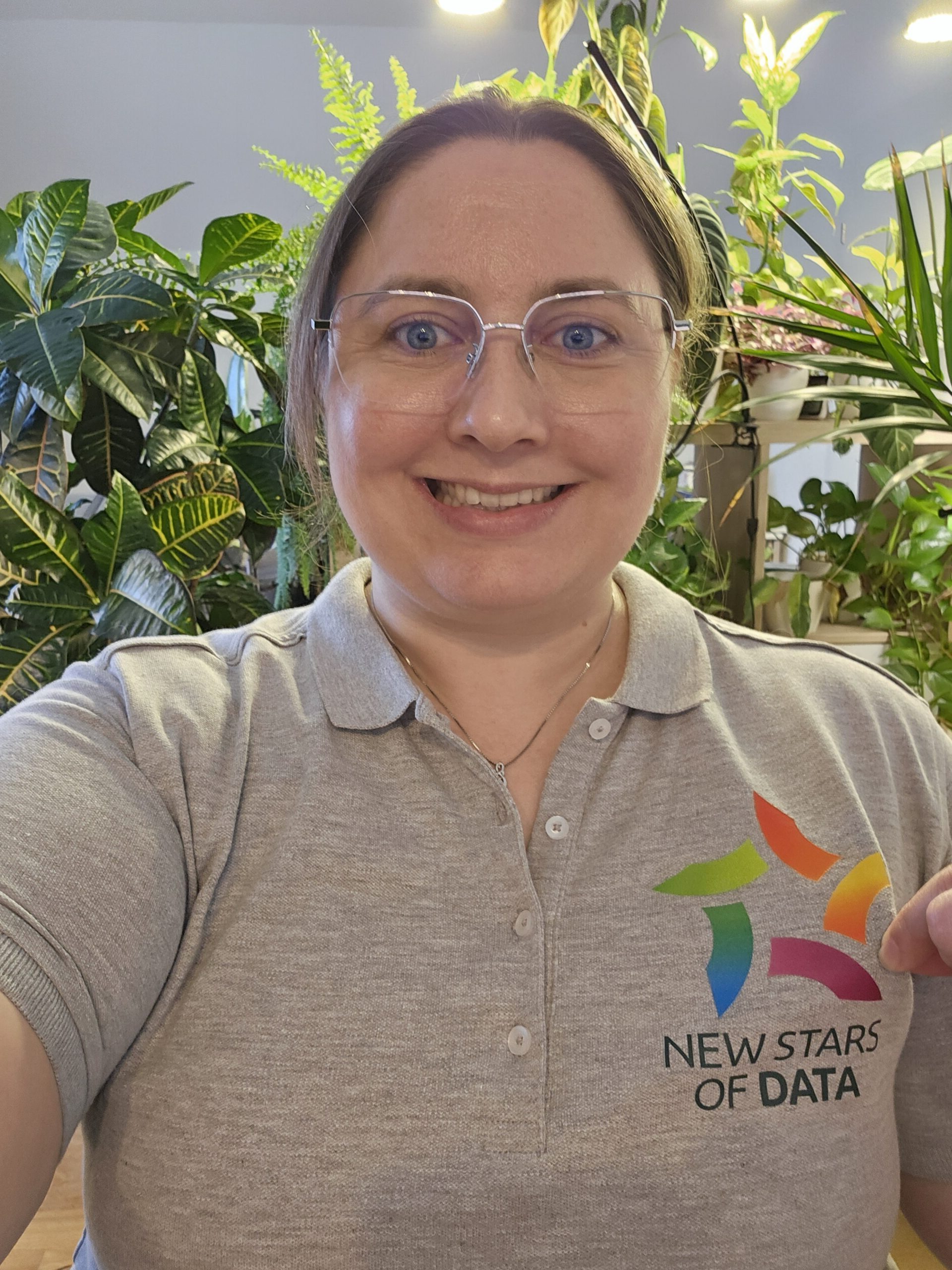
Without a single doubt, yes.
Despite the weeks spent hunting for a demo idea and the acute risk of a heart attack caused by striking monitors an hour before going live: the experience was worth every single sleepless moment. I’ve absolutely caught the speaking bug and have already applied for my next events.
Once you experience firsthand how much you can learn about your own field in such a short amount of time, and how incredibly grateful the community is for shared knowledge, you won’t want to go back to just sitting in the audience anytime soon.
If you have any questions about applying for NSOD or are unsure if it’s the right fit for you, feel free to reach out.
And if you still have some time before the next Call for Speakers and want to test the waters of public speaking: a local or online User Group is the absolute perfect place to start. The pressure is significantly lower than at a major conference, the audience is incredibly supportive, and the feedback is highly valuable. At the Microsoft Fabric & Power BI User Group Austria, we are always thrilled to welcome new speakers – whether you bring a fully polished topic or are still figuring things out. We’re also more than happy to help you brainstorm and prepare. And even if you aren’t located nearby: there are countless online user groups out there offering the exact same opportunity.

